Print to Notes
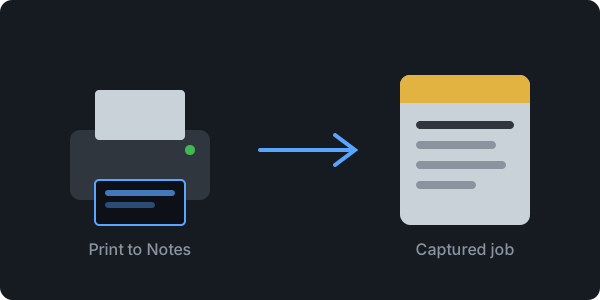
An experimental macOS virtual printer. Print from Chrome (or any app) to a local Print to Notes destination that captures the job — on the way to saving it straight into Apple Notes.
Latest Release
Capture spike — Apple Notes integration is a later milestone.
A Real Printer
Appears in the macOS print dialog like any other printer, powered by the IPP Everywhere tooling that ships with macOS. No "Save as PDF" and shuffling files around.
Captures Everything
Every job is saved to a timestamped folder: the raw payload plus metadata — document format, job name, and full IPP attributes — ready for inspection.
Local & Open
Runs entirely on your Mac. Nothing leaves your machine. Completely open source under the MIT license.